
Kreon Zenith 26.1.1: What’s New and What It Means for Users
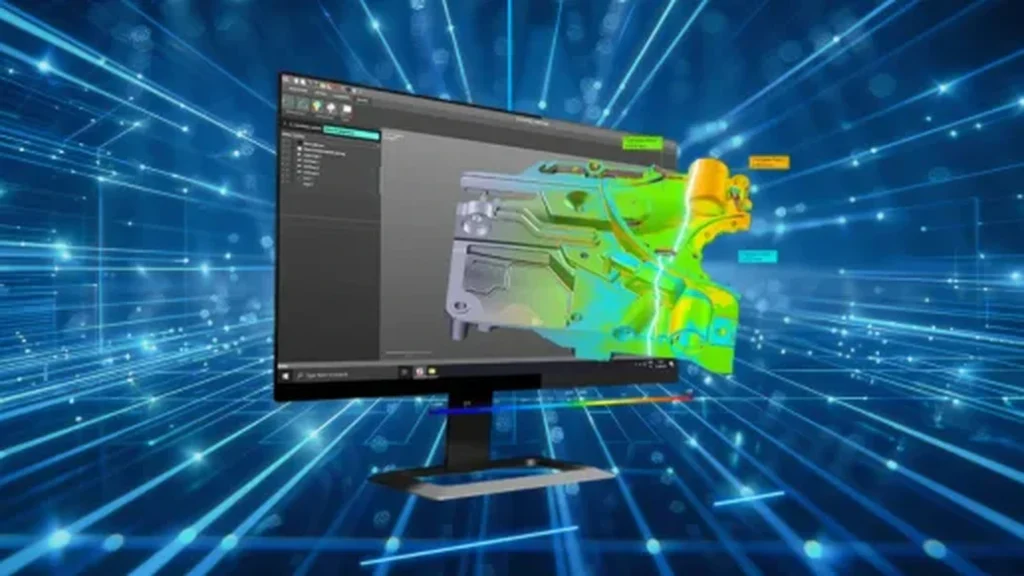
Kreon has released Zenith 26.1.1, the latest version of its native inspection software.
It is not a huge update, but there are a few changes that should make a genuine difference in day-to-day use, particularly when measuring larger components or working with scan data.
For existing users, that means some useful improvements. For anyone considering a Kreon measuring arm, it also gives a clearer idea of how Zenith supports the inspection process in practice.
More Flexibility for Larger-Part Measurement
The biggest change in Zenith 26.1.1 is the reworked Leapfrog procedure.
Leapfrog is used when a component is too large to measure from a single arm position. The measuring arm is moved to a new position and common reference features are used to maintain the relationship between the different measurement positions.
Zenith can now use different geometric entities within the same Leapfrog procedure, including spheres, cones and other geometric features.
In practice, that gives the operator more flexibility. You are less dependent on using the same type of reference feature each time the arm is repositioned and can make better use of the geometry already available on the component.
For anyone regularly inspecting larger parts or working around restricted access, that should make the measurement process easier to adapt to the job in front of you.
A Better View While You Scan
Zenith 26.1.1 also introduces a new dynamic camera option.
The operator can set a predefined graphical view when scanning particular features or profiles, giving them a consistent visual reference while data is being collected. Alternatively, the view can automatically shift to follow the direction in which the part is being scanned.
It is a relatively simple change, but a useful one. Being able to follow the area being scanned more clearly should make the process easier to manage and give the operator a more consistent view of the data being collected.
Managing Point-Cloud Data More Efficiently
Another useful addition is the option to enable a chordal filter during scanning.
Point clouds can become very large, particularly when scanning bigger components or collecting high-density data. The chordal filter reduces the overall density of the point cloud while retaining the important geometry.
That means smaller files and less data for the software to process, which should help when collecting larger amounts of scan data. It can also help speed up the process of converting point clouds into mesh files.
It is one of those updates that sounds fairly technical in the release notes, but the practical benefit is straightforward: less data to process while retaining the important geometry.
What Else Has Changed?
Zenith 26.1.1 also includes a number of smaller updates, including:
- symmetry tolerance within GD&T
- additional probing and extraction criteria for cones
- more options within the properties entities window
Not every change will be relevant to every user, but they add to the tools already available within Zenith for probing and scanning work.
Why These Updates Matter
None of these changes are dramatic on their own, but they improve parts of the inspection process that users deal with every day.
The Leapfrog changes give more flexibility when measuring larger parts. The dynamic camera makes scanning easier to follow, and the chordal filter helps manage large amounts of scan data more efficiently.
If you already use Zenith, there are some useful improvements here. If you are considering a Kreon measuring arm, the software is worth looking at alongside the hardware because it plays a big part in how straightforward the system is to use.
At Status Metrology, we supply and support Kreon measuring arms and Zenith software in the UK.
If you want to see how the system works or talk through whether it would suit your inspection requirements, get in touch with the Status team and we’ll be happy to help.
Our Proud Partners







 +44 (0) 1159 392 228